Exact playback
HAP, HAP Q and the BPV codec play layer by layer with exact cadence. Measured: four 4K HAP Q layers for 10 minutes at 60 Hz with zero dropped frames.
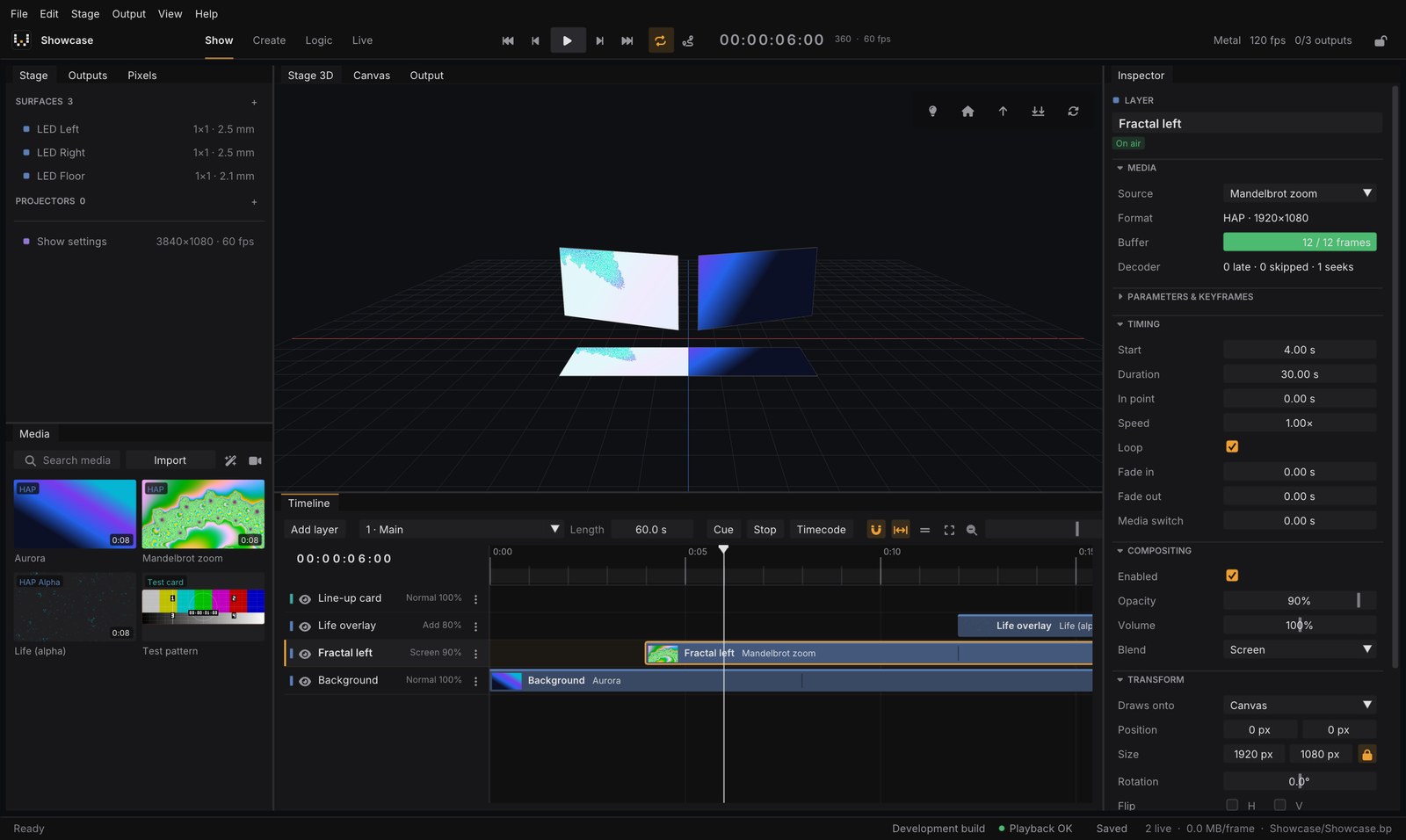
PixelWright is a media server for concerts, theatre, events and installations: layered video playback with exact cadence, a 3D stage for LED and projection mapping, cues and timecode, and multi-PC clusters.
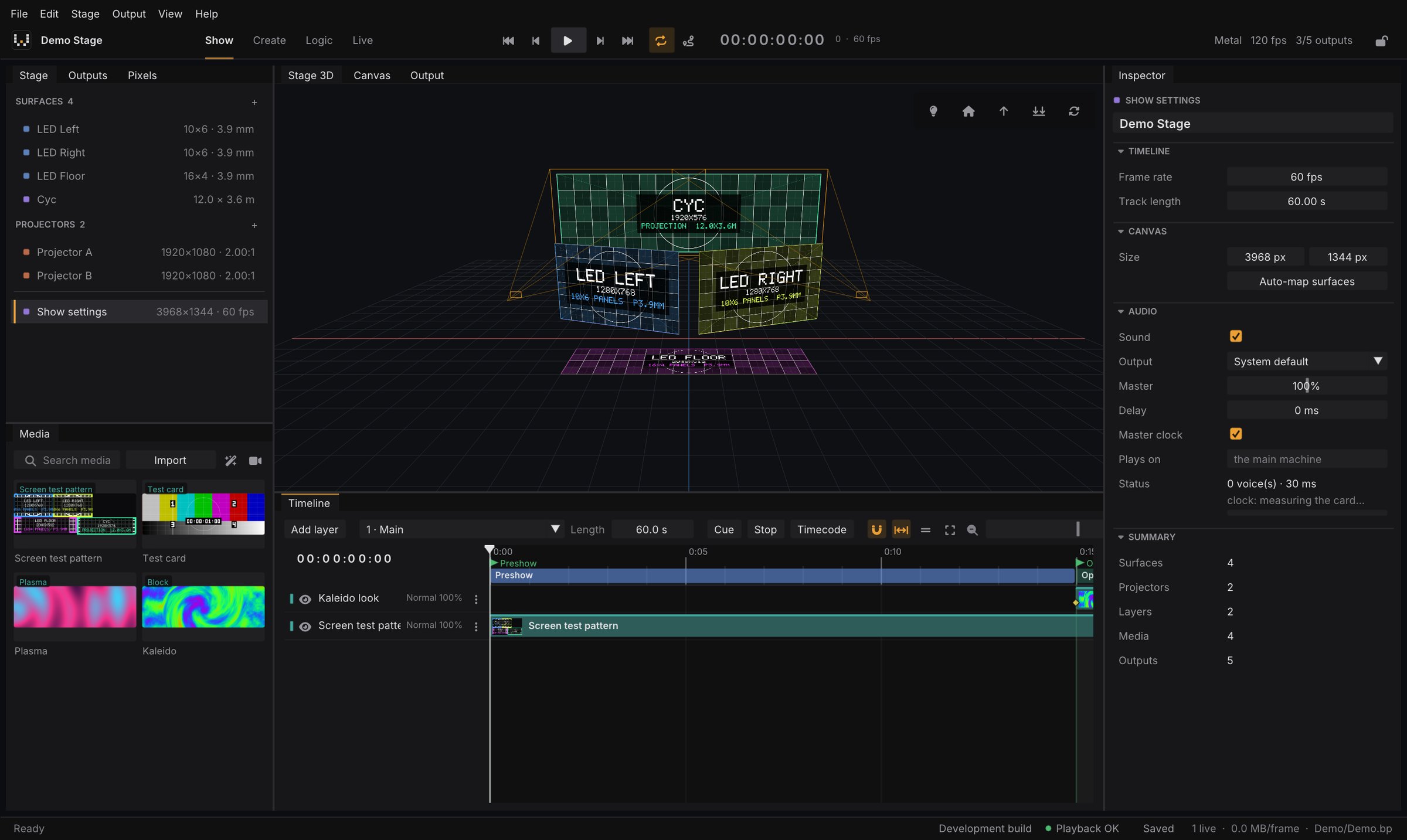
One engine for the whole show. A studio to build it, a render node to play it.
The editor: a 3D stage, a live canvas, a timeline with layers, cues, a media library and outputs.
The render node without UI that plays the show on show machines, alone or in a frame-locked cluster.
HAP, HAP Q and the BPV codec play layer by layer with exact cadence. Measured: four 4K HAP Q layers for 10 minutes at 60 Hz with zero dropped frames.
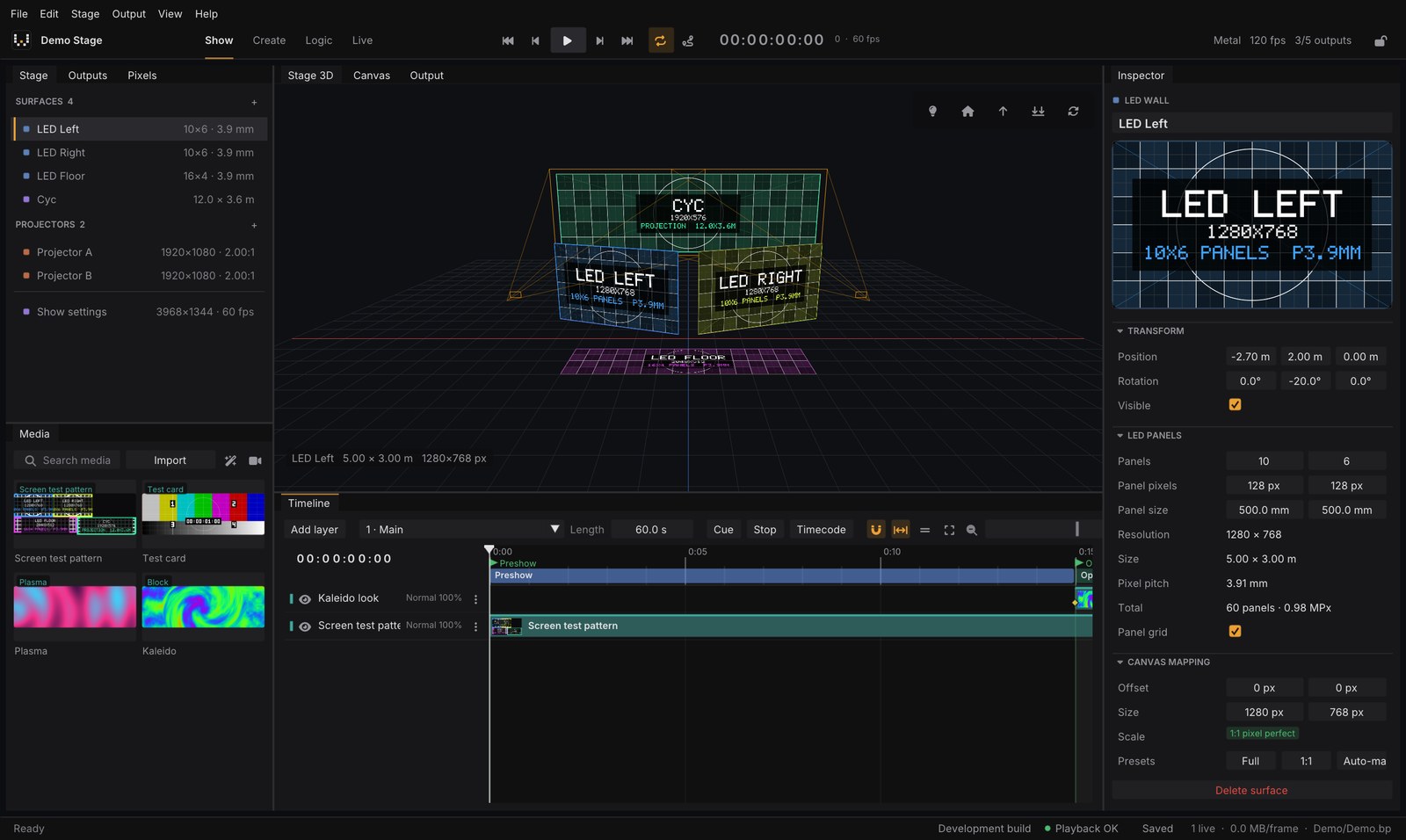
LED screens built from real cabinet models, projectors with throw ratio, lens shift, warp and edge blending, OBJ / glTF / GLB models and pixel-perfect auto-mapping.
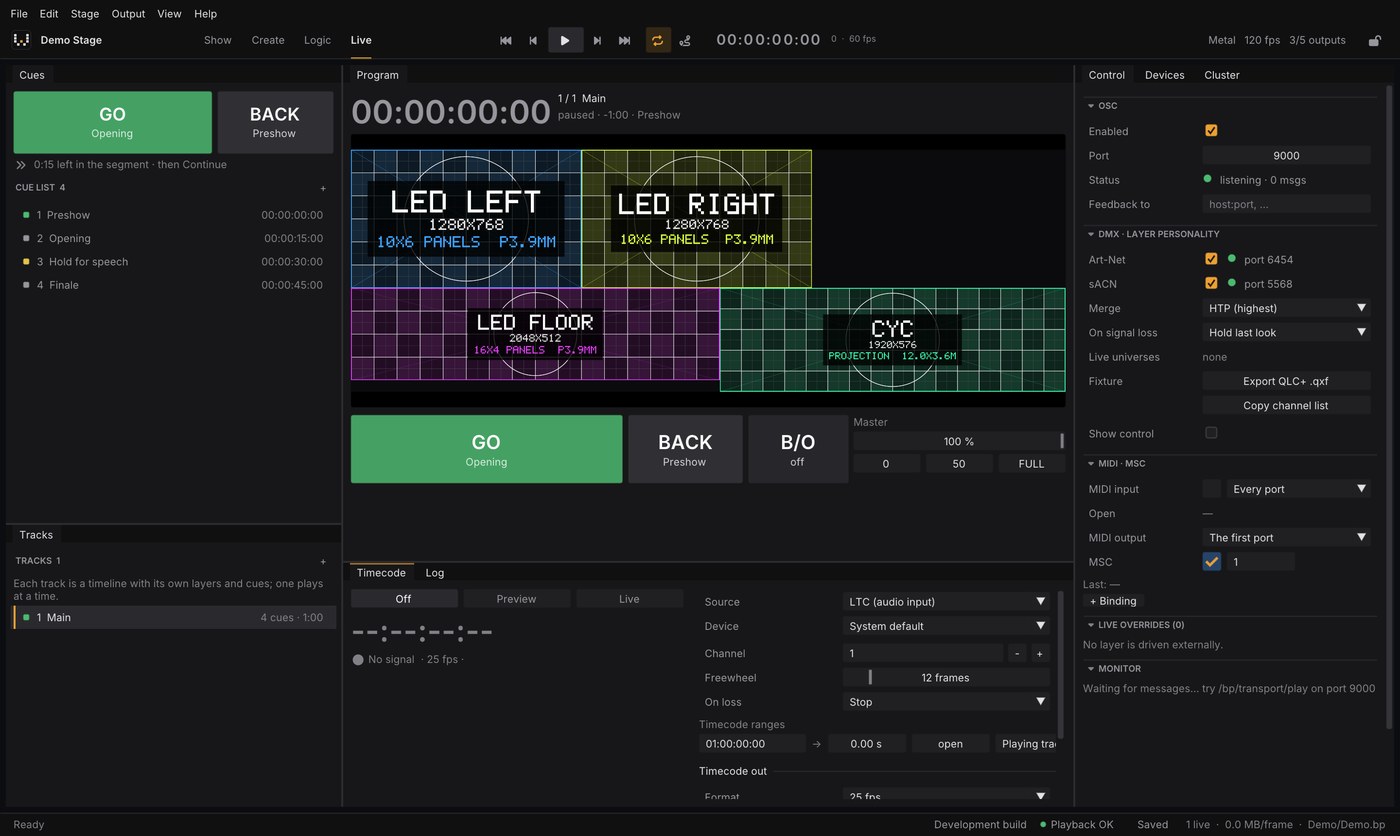
GO with transition fades, the next cue preloaded, tracks as a setlist, and LTC, MTC, Art-Net or OSC timecode chase with Preview and Live modes.
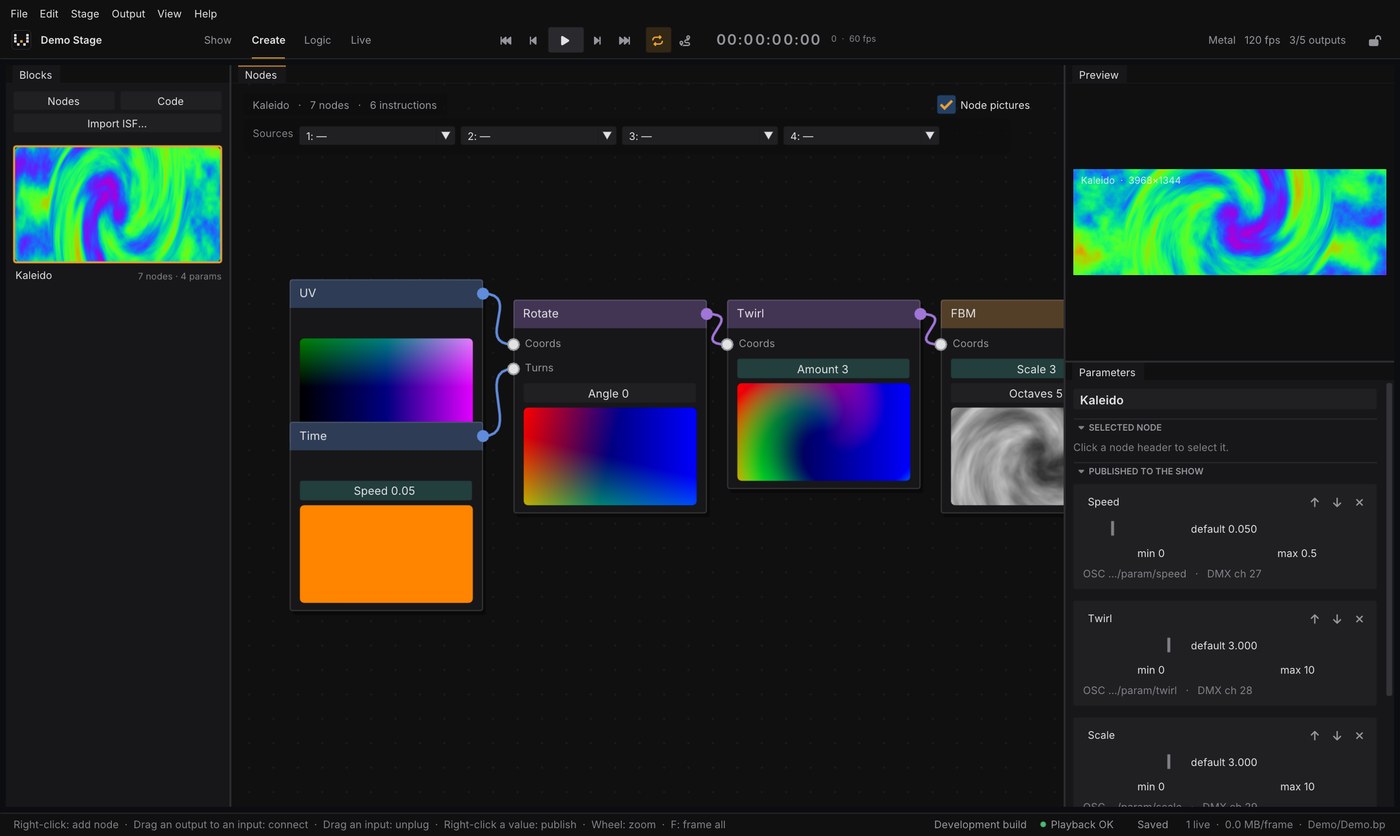
Around 40 GPU nodes, GLSL and Shadertoy code blocks, GPU particles, ISF shader import and signals (LFO, audio, MIDI) linkable to any parameter.
A main machine, a backup that takes over and render nodes on a common clock and a common frame grid. The show and its media are distributed and verified automatically. Quadro Sync genlock on Windows.
OSC, DMX over Art-Net and sACN, MIDI and MIDI Show Control, REST and WebSocket APIs, a web remote and a Bitfocus Companion module.
Measured on an Apple Silicon Mac (macOS, Metal). Everything above was developed and measured on an Apple Silicon Mac (macOS, Metal). Windows and Linux builds are designed to be portable but have not been validated on real hardware yet. See the features page for what is still missing.
The whole program is the same in both modes. Pro removes the limits, per machine.
Free
Subscription per machine
Learn mode is free and needs no account. Pro starts at a low monthly price per machine.